
If you run social media for your own business, or for a few clients next to it, you probably know this evening. The post is written. The image is ready. It just has to go out at 8:30, on Facebook, on Instagram, in the right format, and you have to be at your desk to do it.
I got tired of that, so I built something to take the button-pressing off my plate. This is how it works, and how to tell whether you’d get anything out of one.
First, the honest part
Facebook and Instagram already have free schedulers. If you write a post, attach an image and pick a time, Meta Business Suite will publish it for you. Nothing I built beats that for a single post.
What a scheduler doesn’t do is read your plan. If you keep your content calendar in a spreadsheet, with the caption, the image, the date and a status, someone still has to copy each row into the scheduler by hand. That copying is the part that eats the time.
What “approve once” looks like
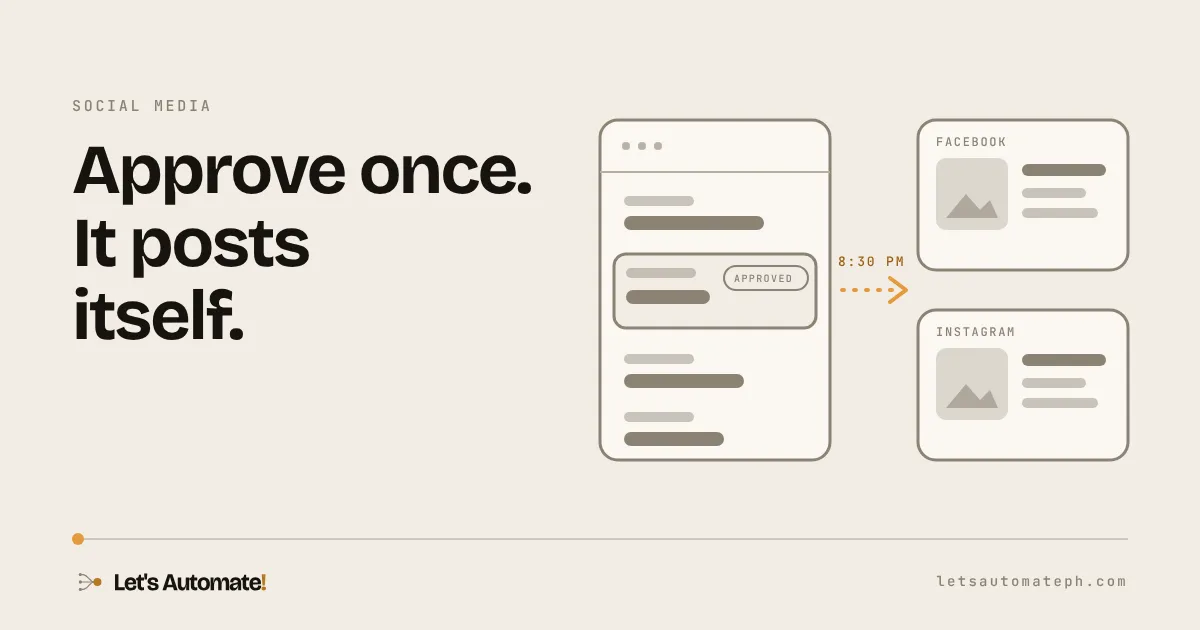
My calendar is a Google Sheet. Each post is a row. When I’m happy with a post, I change its status to Approved, and that is the last thing I do. From there the automation takes over:
- Every 15 minutes in the evening, it reads the sheet and looks for rows that are Approved and dated today.
- It checks the post has its image or video and its caption.
- It marks the row as “posting started” so nothing can go out twice.
- It publishes to Facebook and Instagram, the way each one wants it: a single image, a carousel, or a reel.
- It writes the live link back into the sheet and sets the row to Posted.
- If something fails, it tries again on the next check. If a post is still unposted at the end of the window, it emails me.
That’s all it does. It doesn’t write your posts, and it doesn’t decide what goes out. You stay in charge of the content. It just stops you from being the delivery person.
The part that surprised me
Posting a reel is not one step. You tell Facebook a video is coming, upload it, wait for it to process, then add a cover. Instagram has its own version of the same dance. A carousel is a stack of separate uploads that get bundled together at the end.
None of it is hard, but each piece is a place where something can quietly go wrong. That’s why the retry and the “is it really live” check matter more than the posting itself.
What it doesn’t do
- LinkedIn. There’s no safe way to post there with this kind of setup, so I still do that one by hand.
- Your content. If you don’t have posts planned, there’s nothing to automate.
- Guarantees. Meta can have a bad evening. That’s why it retries, and why it emails you rather than failing quietly.
Is it worth it for you?
Add up the time first. Count how many posts you publish a week, how long each takes across every channel, and what an hour of your time is worth. A few posts a week on one channel is probably not worth building anything. Daily posting across two channels, or several accounts, usually is.
And ask a second question: do you already plan in a spreadsheet? If you do, the setup fits the way you work. If you don’t, start there.
Want one for your business?
I build these for businesses that plan their content in a sheet and want the posting to happen by itself. It runs in your own accounts and never needs your passwords. You connect your accounts yourself, with only the permissions it needs, and you can remove them whenever you like.
Tell me how you plan and post today, and I’ll tell you honestly whether it’s worth automating, what it would take, and roughly how long. Book a free 30-minute call.
